Apps
The kiosk (what customers see)
Customers tap to start, choose Eat in or Take away, pick dishes and options, check their order and tap Place order. They get a number and pay by card on the reader or at the counter.
A customer’s order, step by step
-
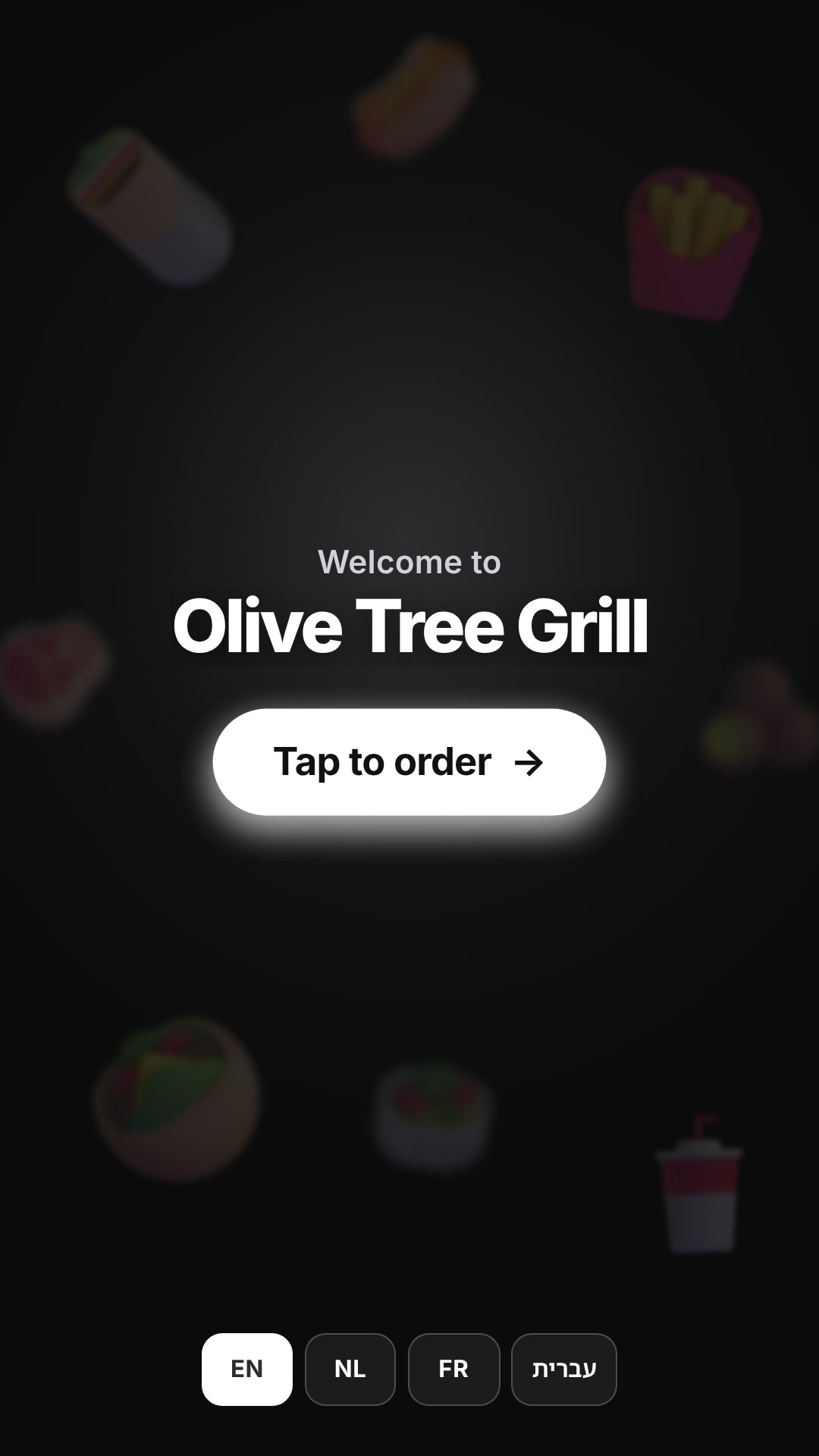
Tap to order. The customer can pick their language here.
-
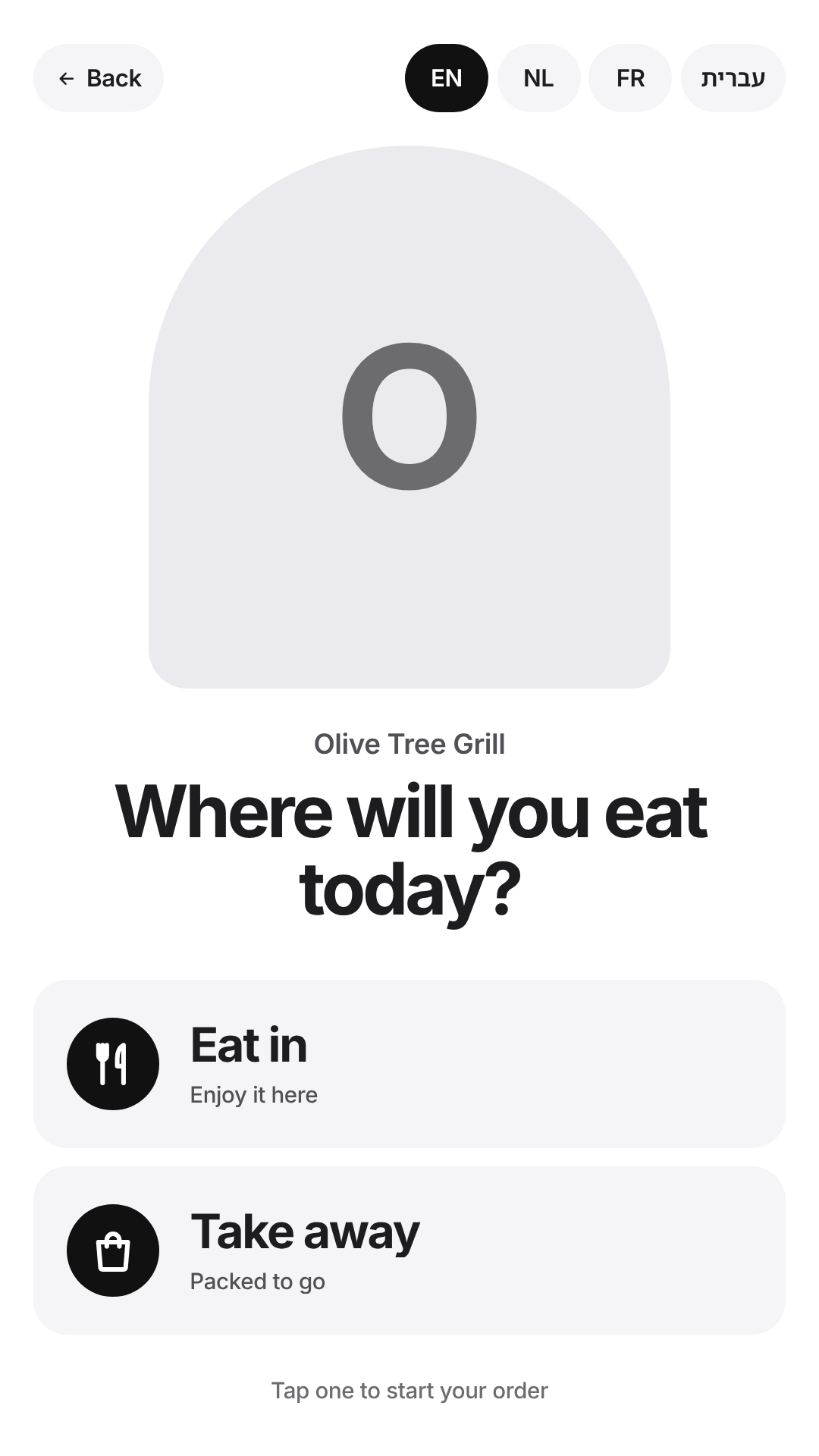
Eat in or Take away.
-
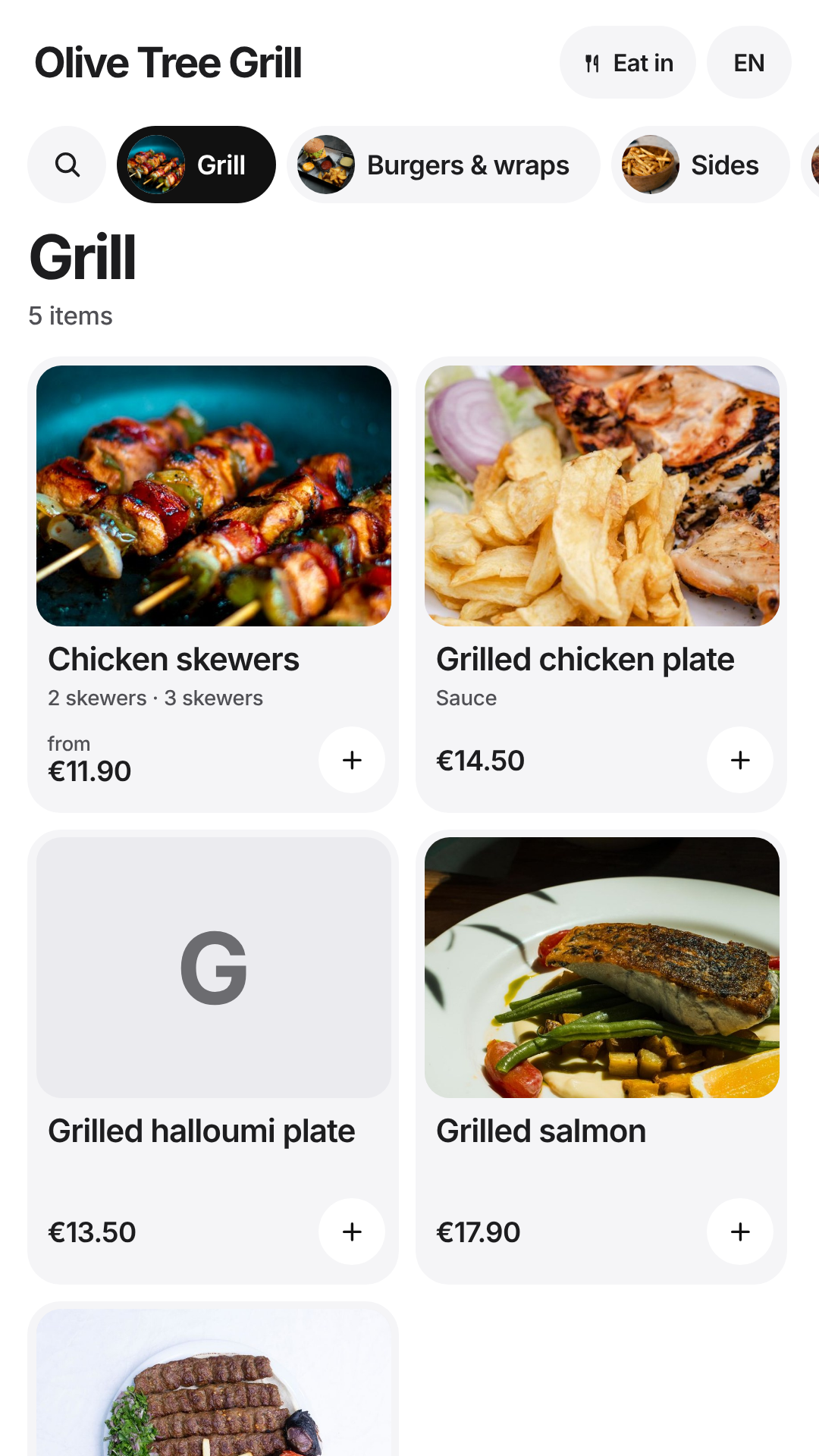
They browse the categories and tap a dish.
-
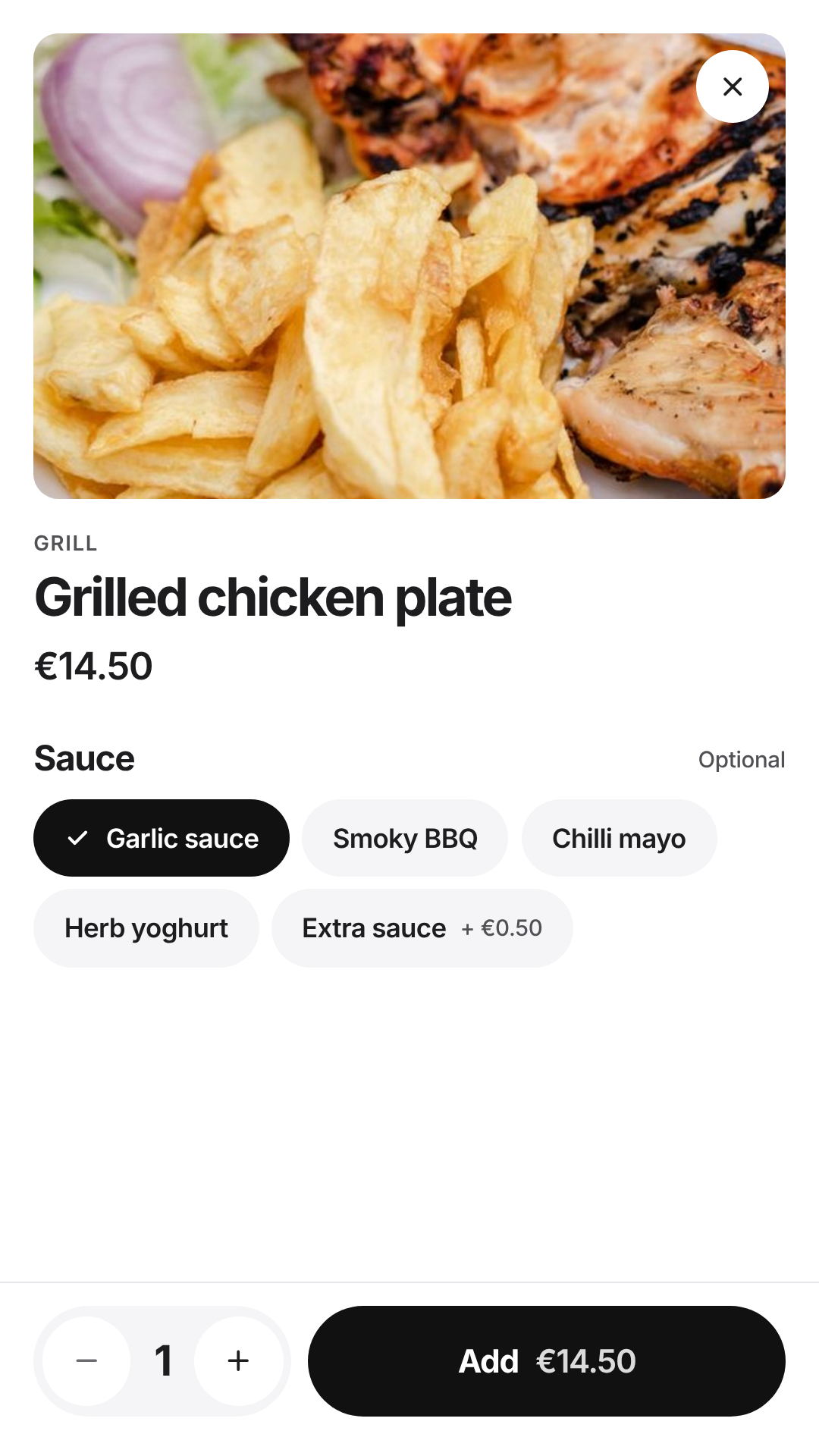
They pick options, like a sauce, and tap Add.
-
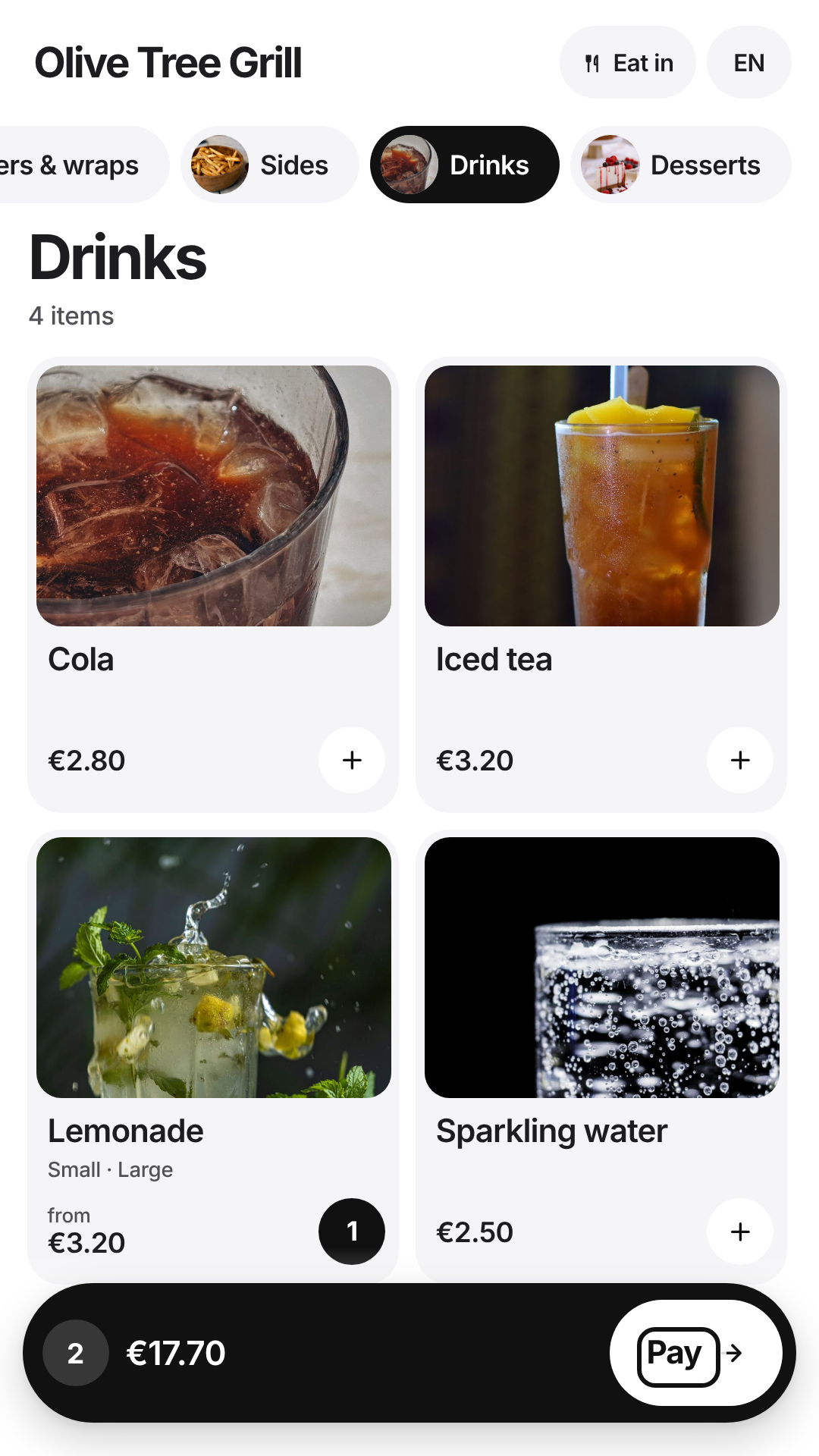
The bar at the bottom shows the total. They tap Pay.
-
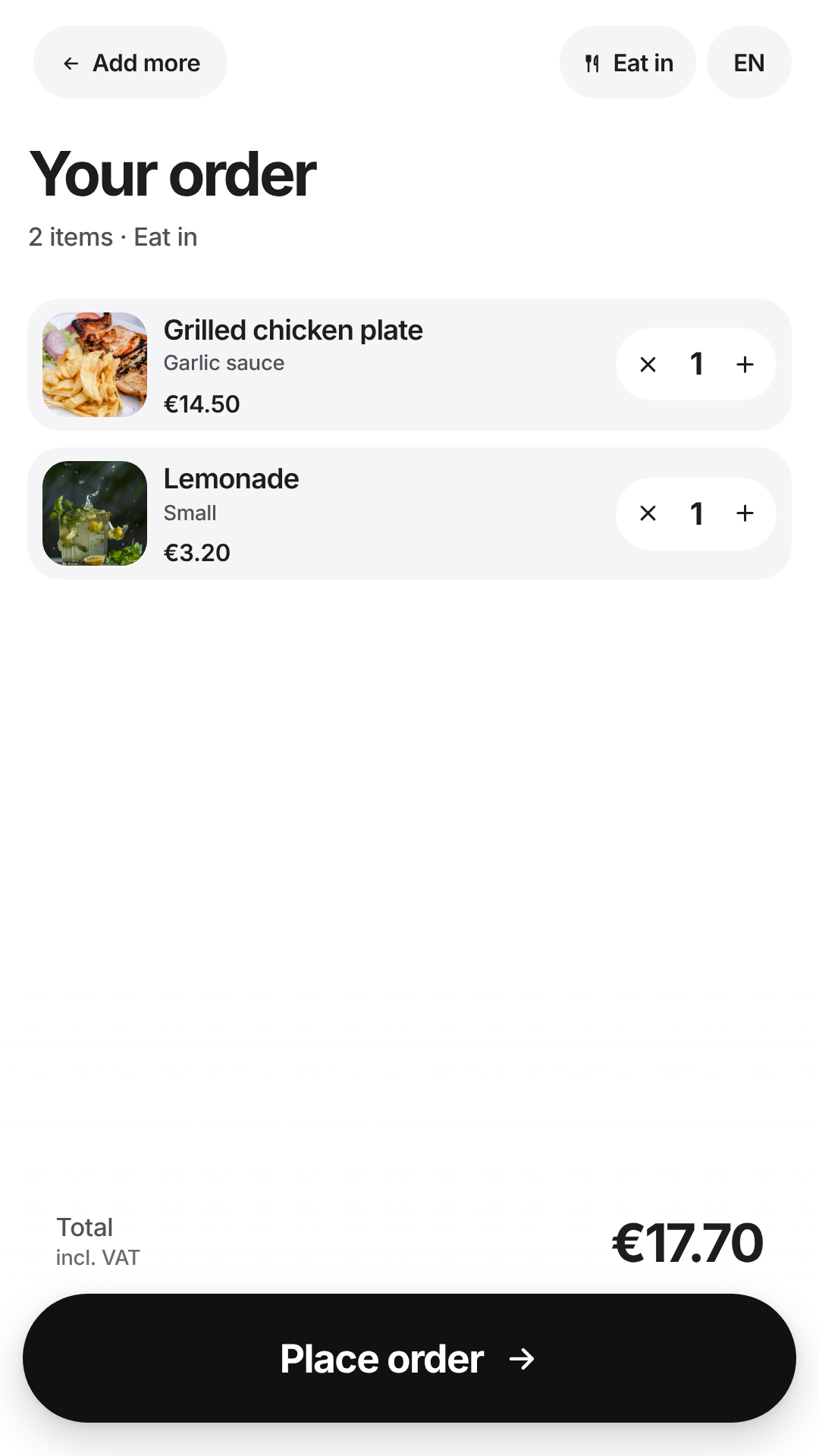
They check Your order and tap Place order.
-
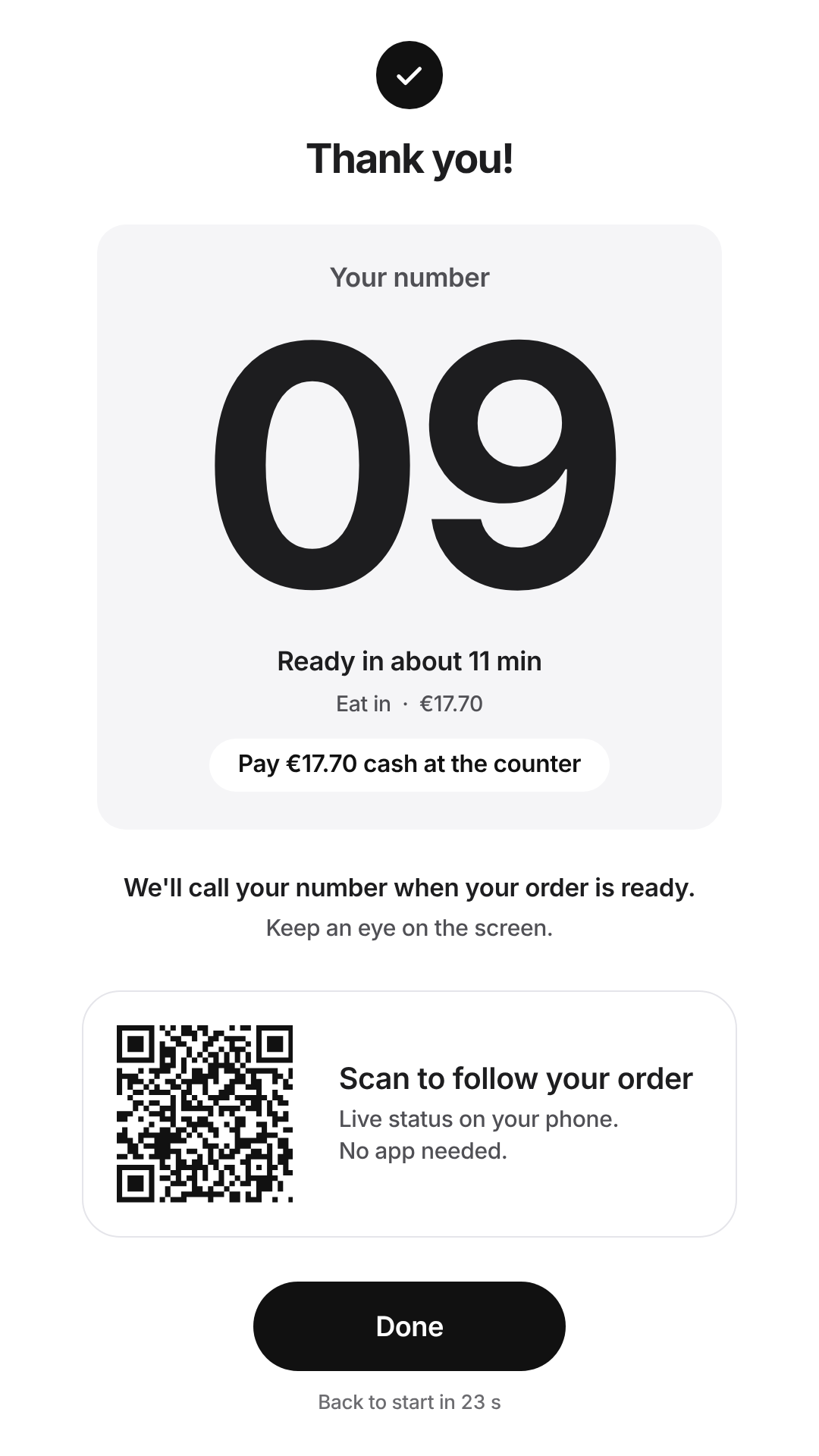
They get their number and how long it takes. Without a card reader, they pay at the counter. A QR code lets them follow the order on their phone.