Online ordering
Choose how online customers pay
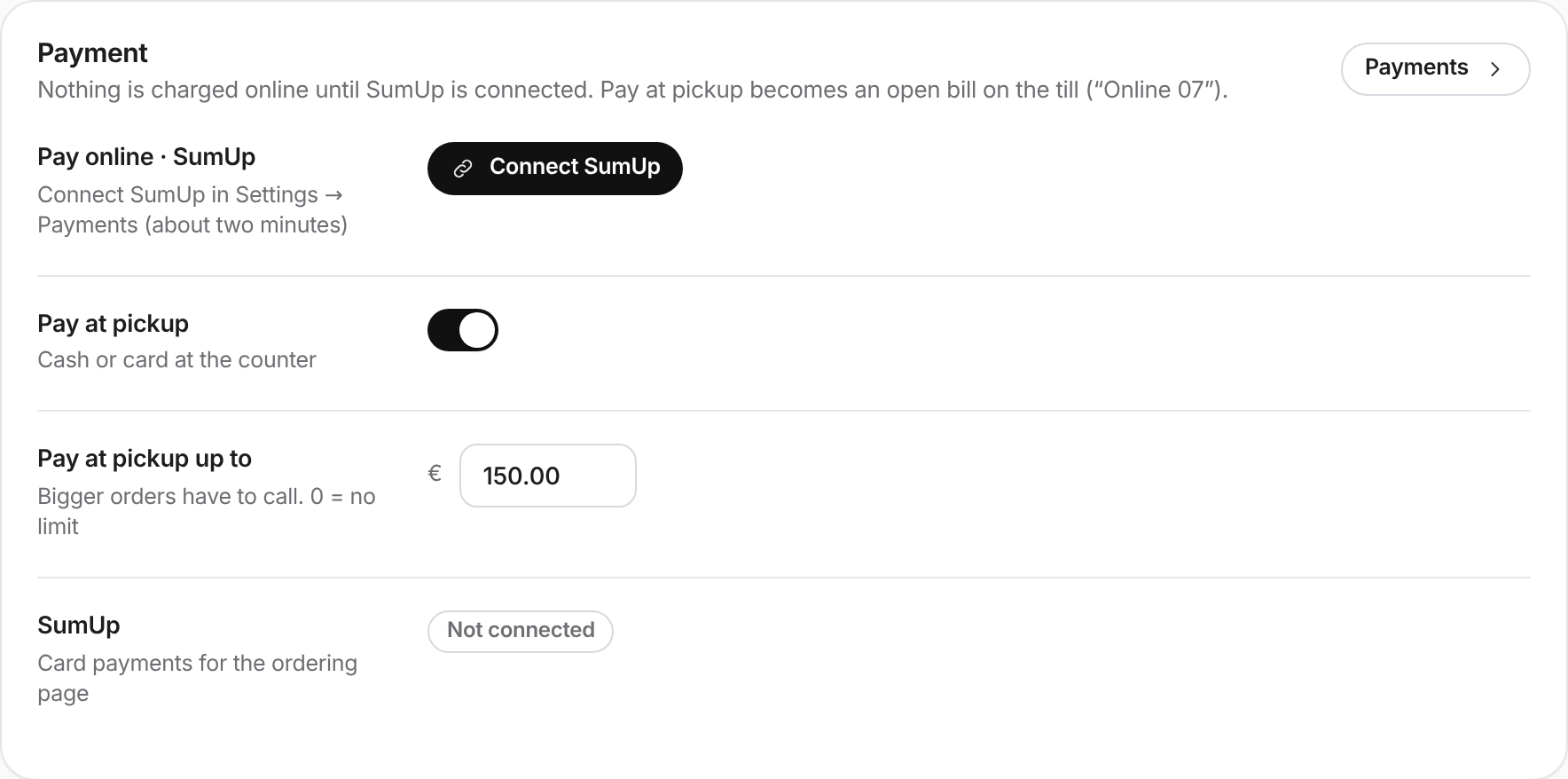
In Settings → Online ordering → Payment, keep Pay at pickup on, and set Pay at pickup up to. Pay online appears once SumUp is connected in Settings → Payments.
The two ways
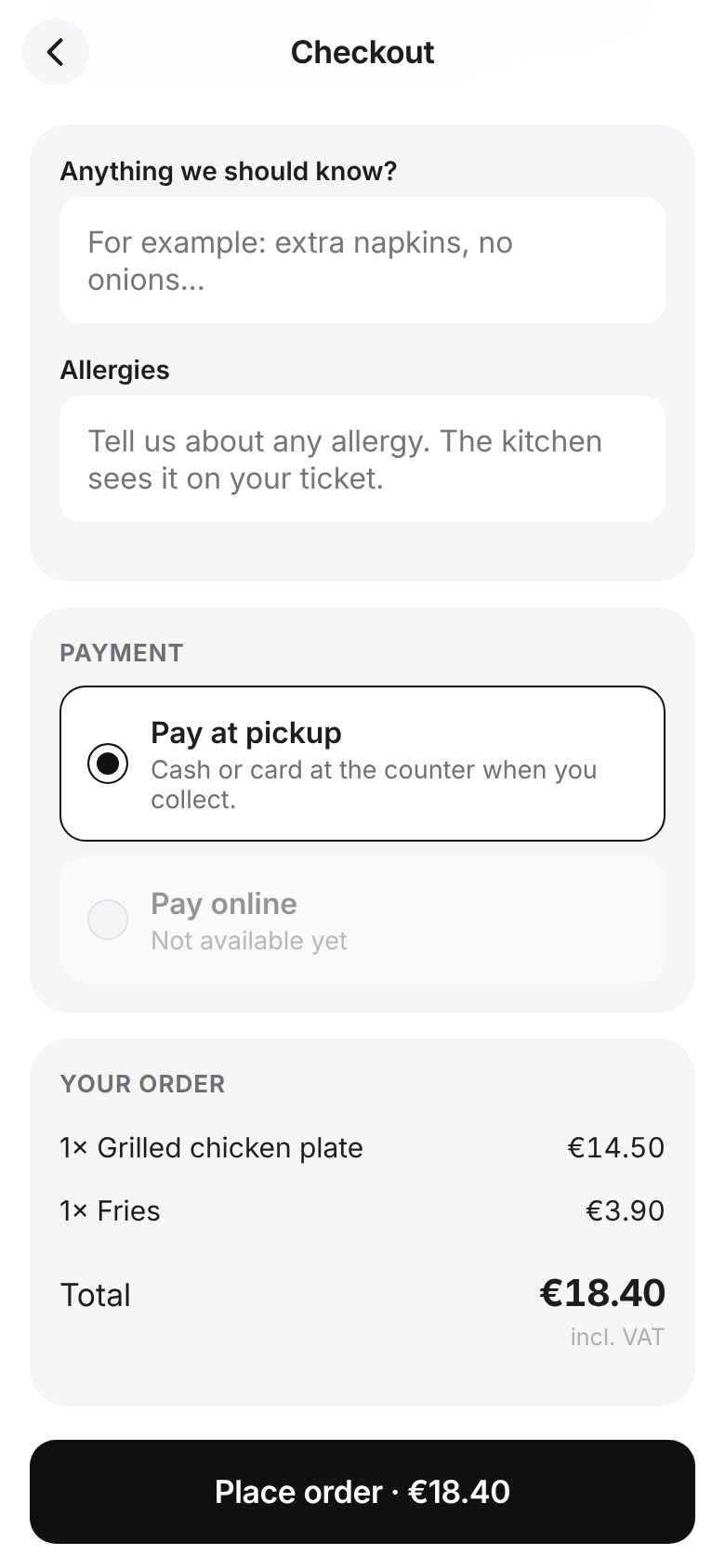
- Pay at pickup: the customer pays cash or card at the counter. The order shows on the till as an open bill, like Online 07. Starts on.
- Pay online: the customer pays on SumUp’s secure page (card, Apple Pay, Google Pay, Bancontact). The order goes to the kitchen only after the payment is confirmed. Needs SumUp connected first.
When both are on, the customer chooses.
Limit pay at pickup
-
Open Settings → Online ordering and scroll to Payment.
-
Type an amount in Pay at pickup up to. It starts at €150. Type 0 for no limit.
-
Bigger orders then have to pay online (or call you).
What the customer sees