Events & catering
Show a certification on quotes
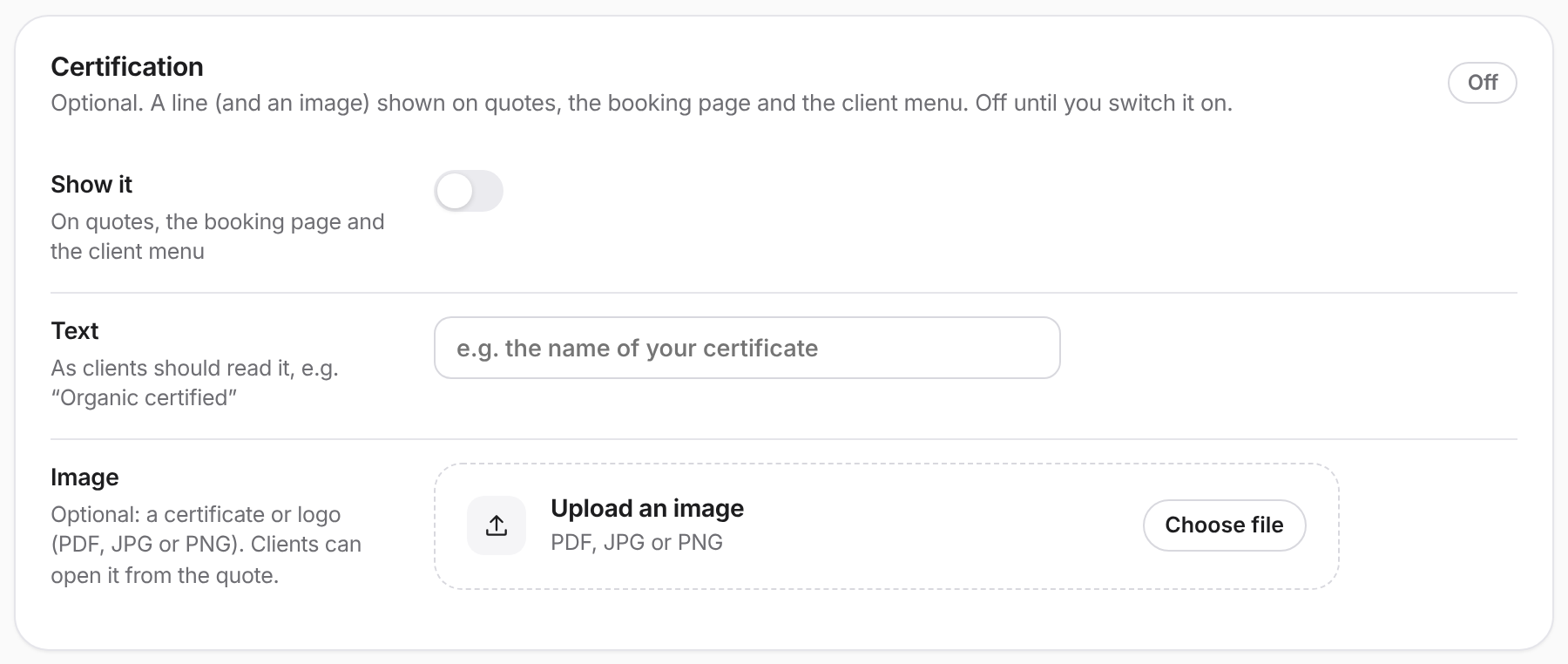
Open Events → Settings → Certification. Type the Text, add an Image if you like, and switch Show it on. It's off until you do.
-
Open Events → Settings and go to Certification.
-
Type the Text the way clients should read it, like the name of your certificate.
-
Want to add the certificate itself? Tap Choose file under Image (PDF, JPG or PNG).
-
Switch Show it on.
Clients see it on quotes, the booking page and the client menu.
Every setting
| Setting | Starts as |
|---|---|
| Show it | Off |
| Text | Empty |
| Image | None |