Shop mode (retail)
See cost history and average cost
Turn on Cost history and average cost, then open Suppliers & orders → Cost history.
-
In the back office, go to Shop → Till & returns. Under Back office tools, turn on Cost history and average cost. It’s off until you turn it on. Choose what margins use: Last cost or Average cost.
-
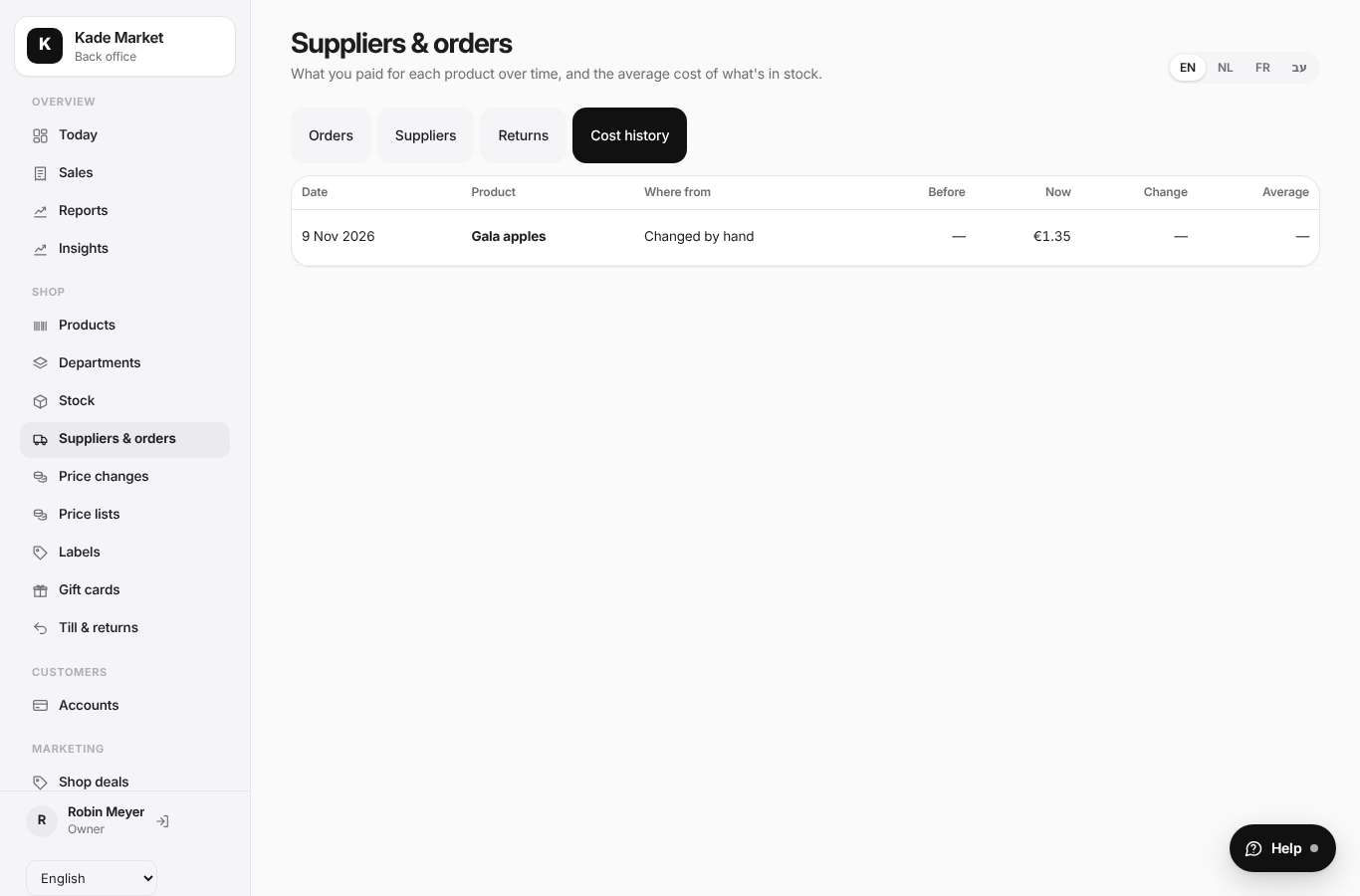
Go to Suppliers & orders → Cost history. You see the newest cost changes: before, now, the change in % and the average. Tap a row to see one product.
-
A product’s page shows its last cost, its average cost and the margin. Each delivery shows the quantity and the average after it.