Reports & forecasts
Bring in sales from your old till
Your old till can export its sales as a file. Bring that file in once, and Servi learns your busy days, your best sellers and your normal week. Imported sales never go to the kitchen or the printers.
-
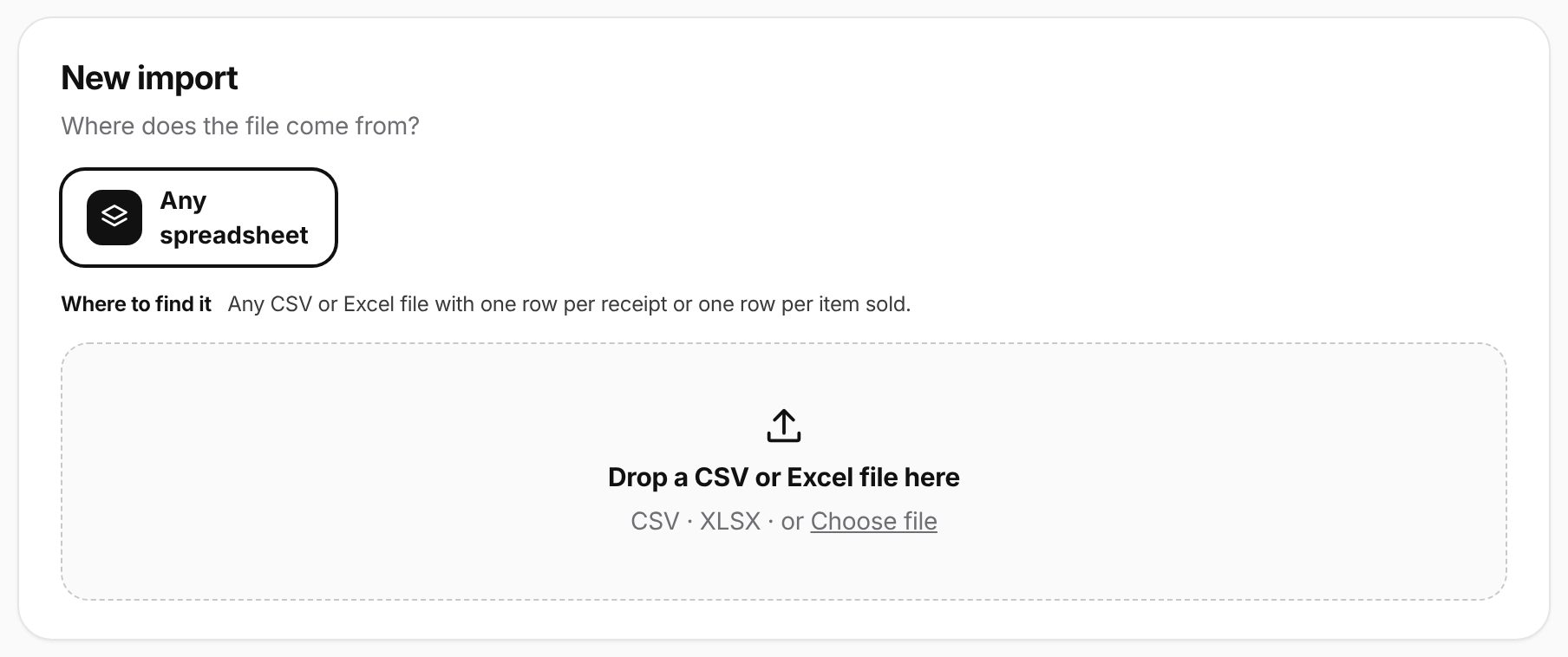
Open Settings and tap Import sales history. Under Where does the file come from? pick your old system, or Any spreadsheet. The page tells you where to find the export.
-
Drop the file on the box, or tap Choose file.
-
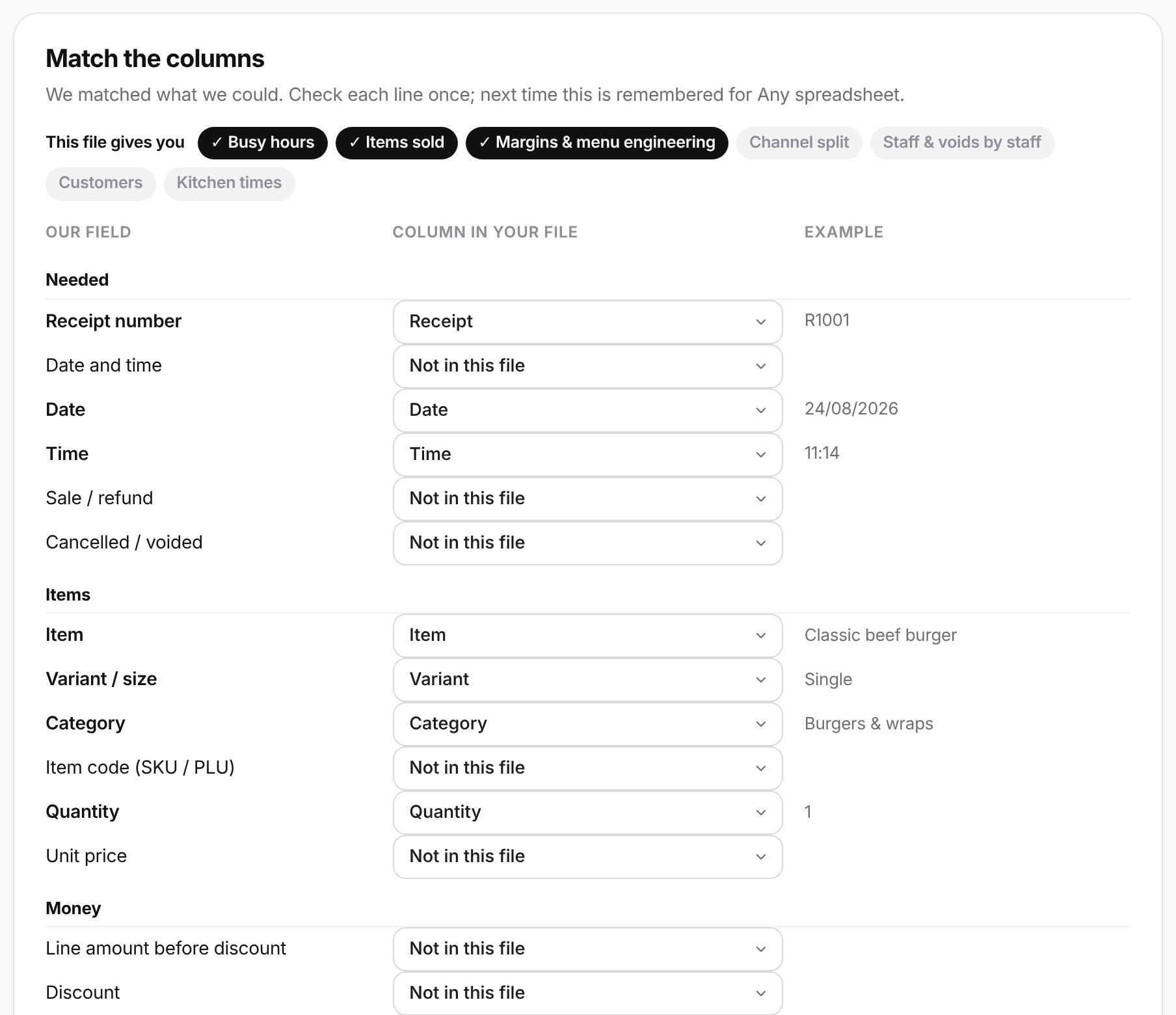
Check Match the columns. Each line says which column of your file holds the receipt number, date, time, item, quantity and amount. Most lines are filled in already. Fix any that are wrong, then tap Continue.
-
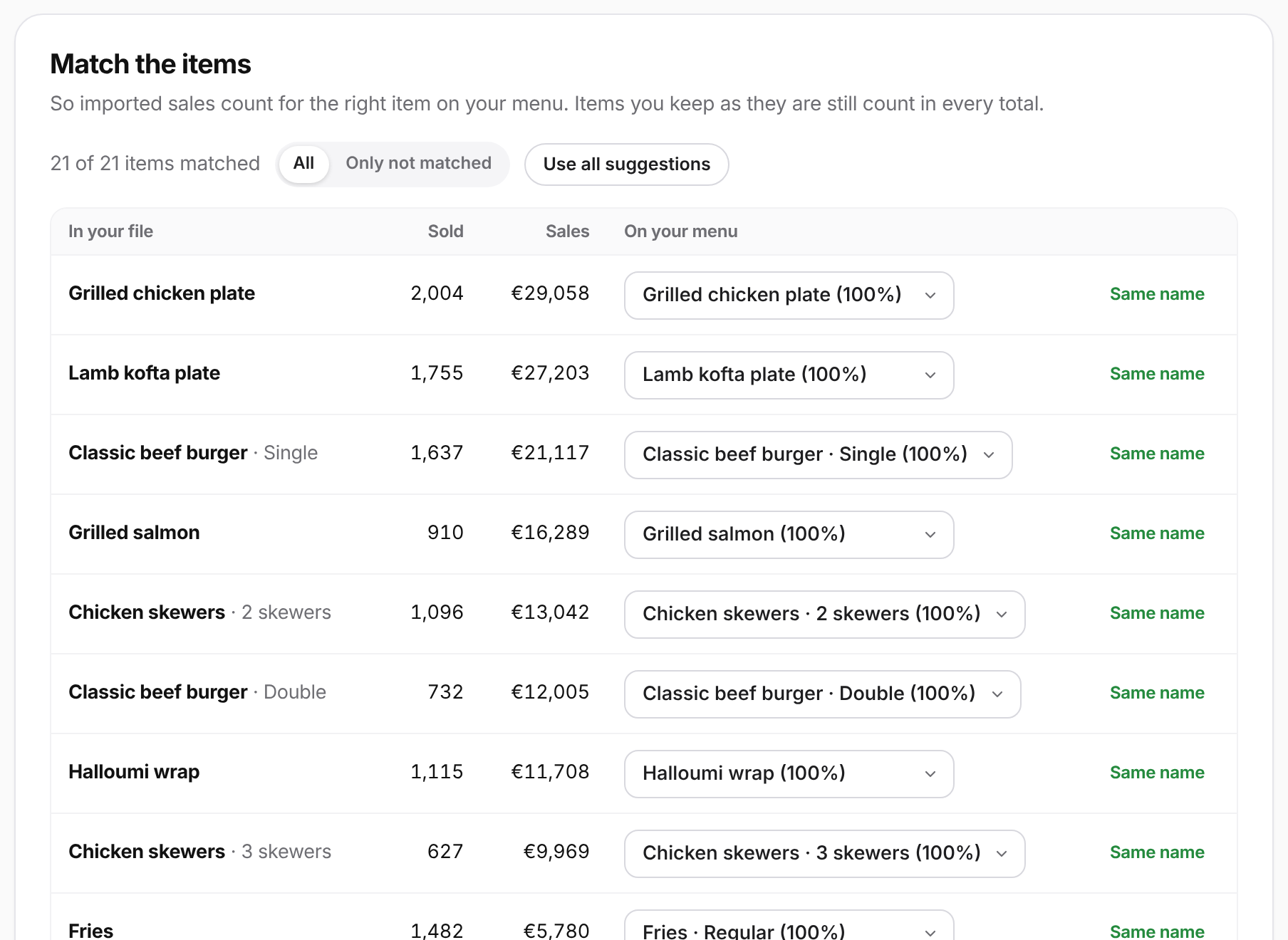
Check Match the items. Every name in your file is matched to a dish on your menu. Change a match if it’s wrong, then tap Continue.
-
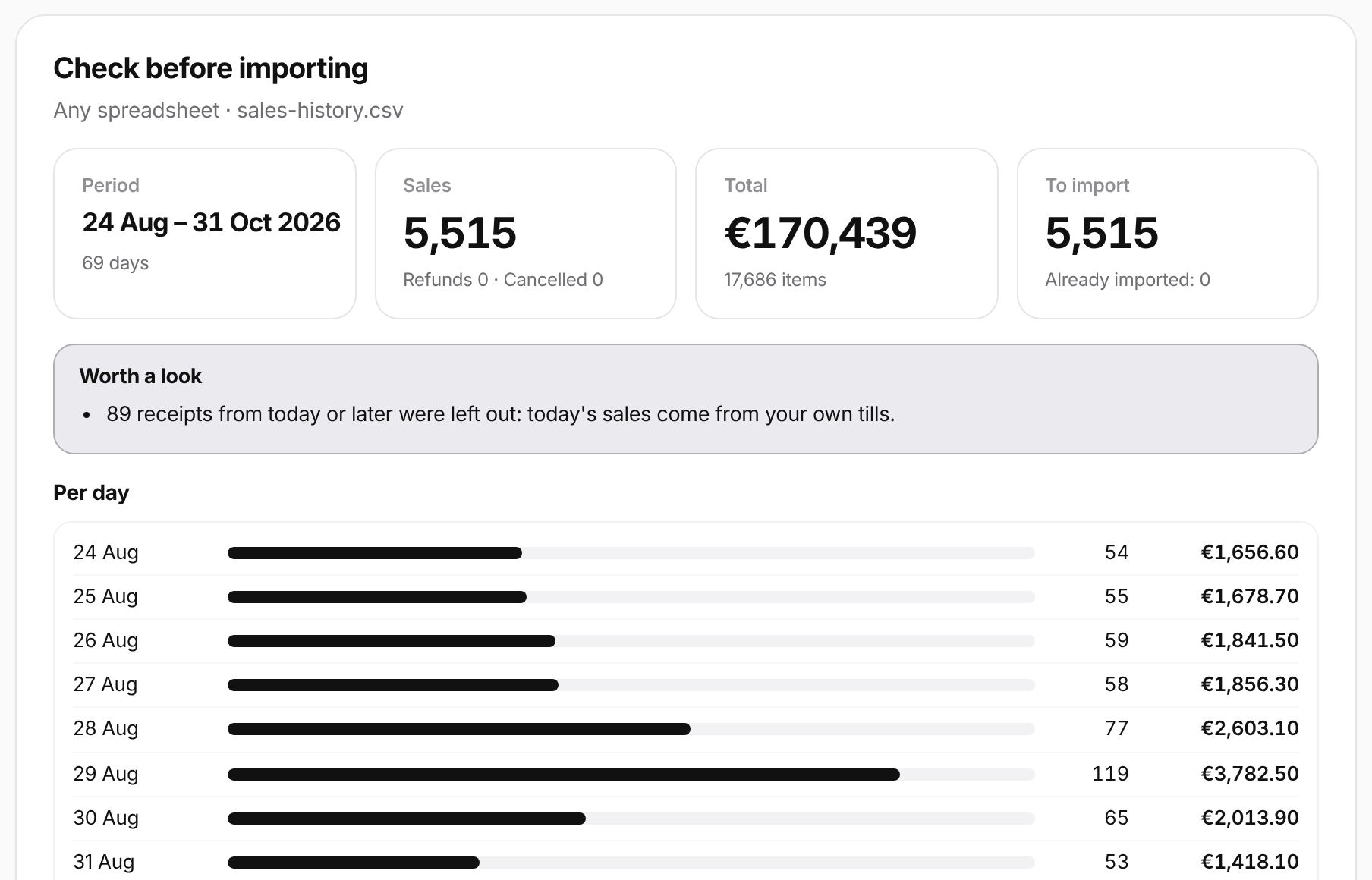
Check the totals per day under Check before importing. Then tap Import … receipts.
-
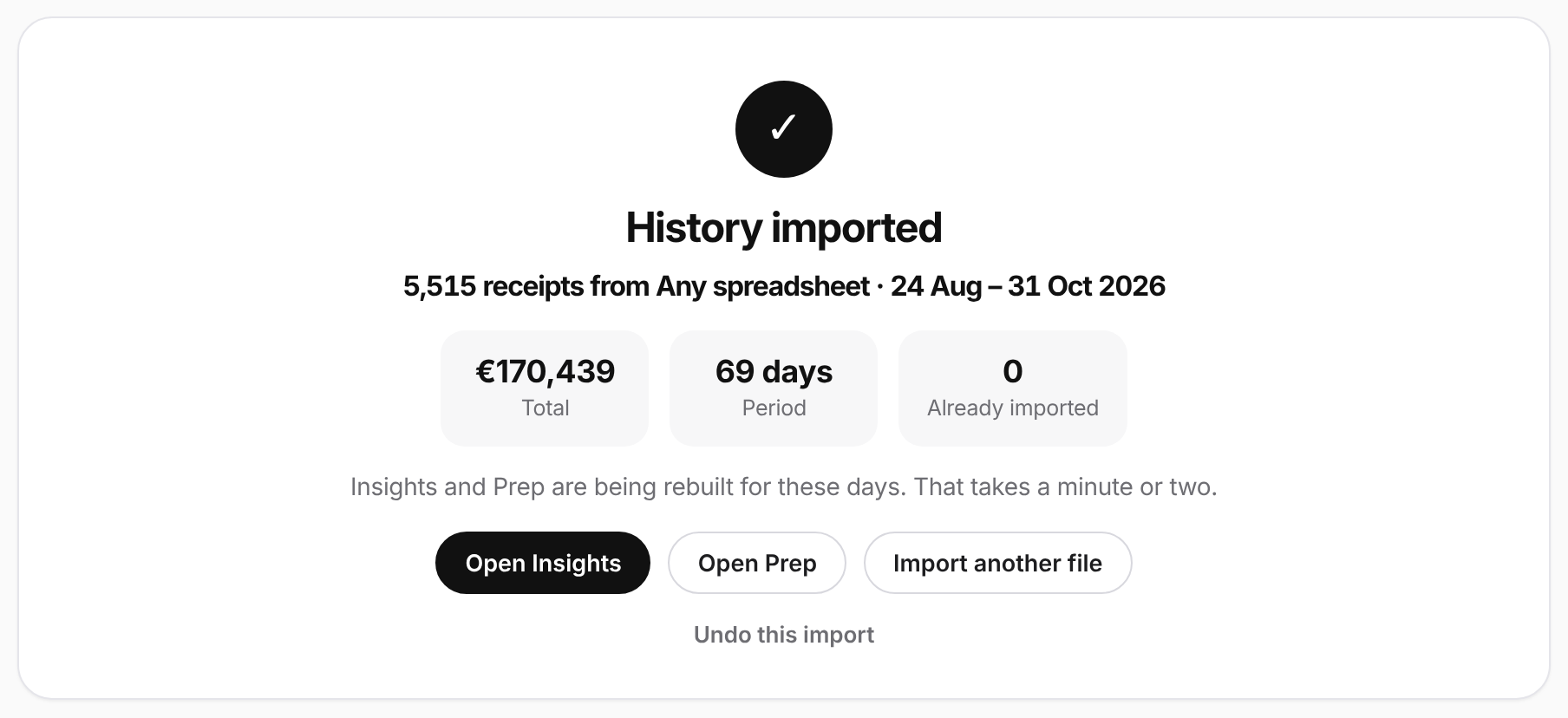
Done. The import shows under Earlier imports. Insights and Prep use it straight away.
Undo an import
Under Earlier imports, tap Undo this import next to it, then confirm. Every sale from that file is taken out again. Sales you made in Servi are never touched.
Every setting
Tap Import settings at the top of the page.
| Setting | Starts as |
|---|---|
| Refunds in the file | Take off sales |
| Cancelled receipts | Keep as voids |
| Lines of €0 | Keep |
| Dates are | Detect |
| Decimal mark | Detect |
| Times in the file are | Local time |
| Match similar names from | 82% |
| Remember column matches | On |
| Remember item matches | On |
| Rebuild Insights and Prep right after an import | On |