Get started
Place a test order
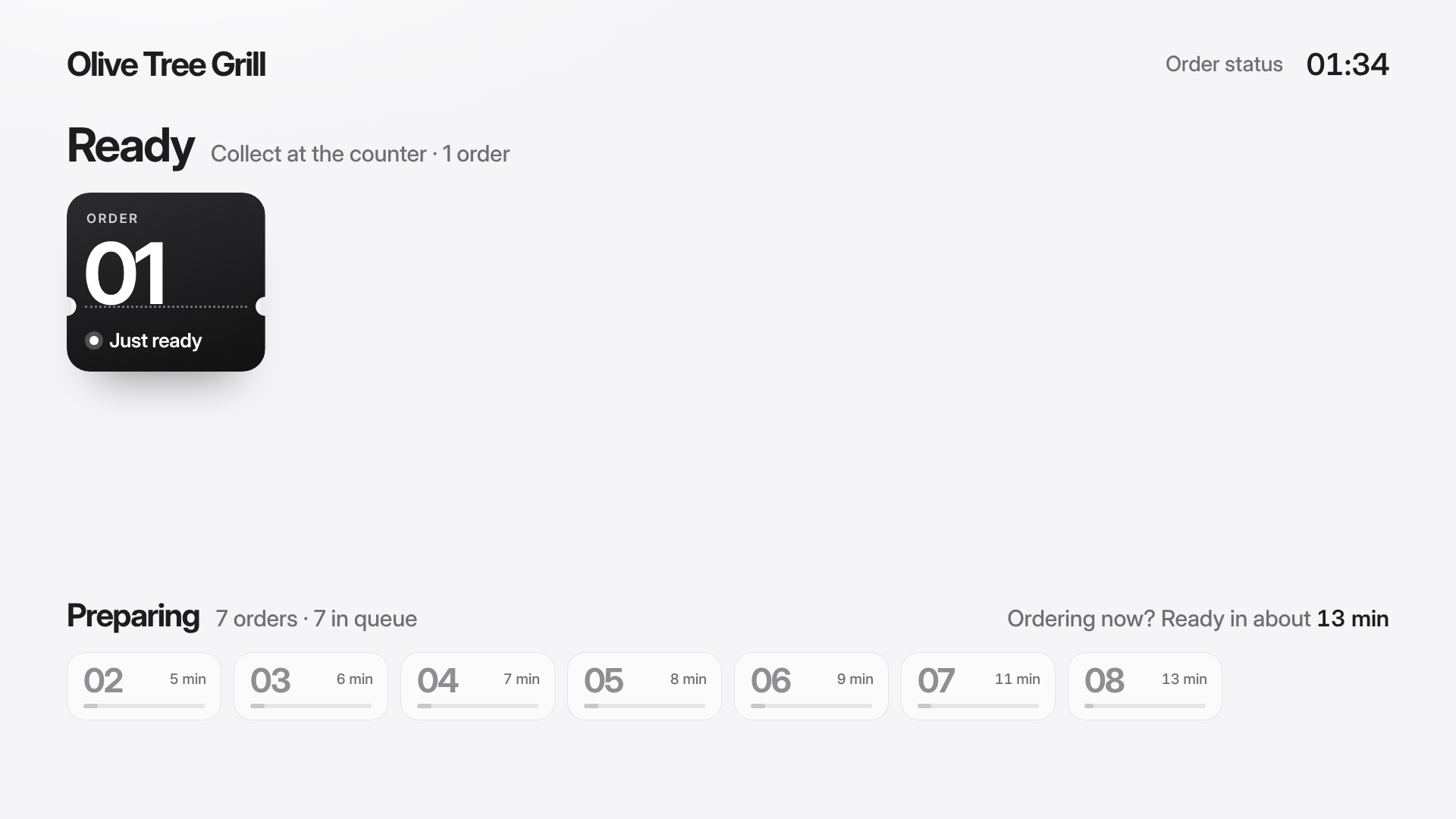
Order a dish on the kiosk, check it shows on the kitchen screen, tap Done, and watch the number move to Ready on the order status screen.
Do a full test
-
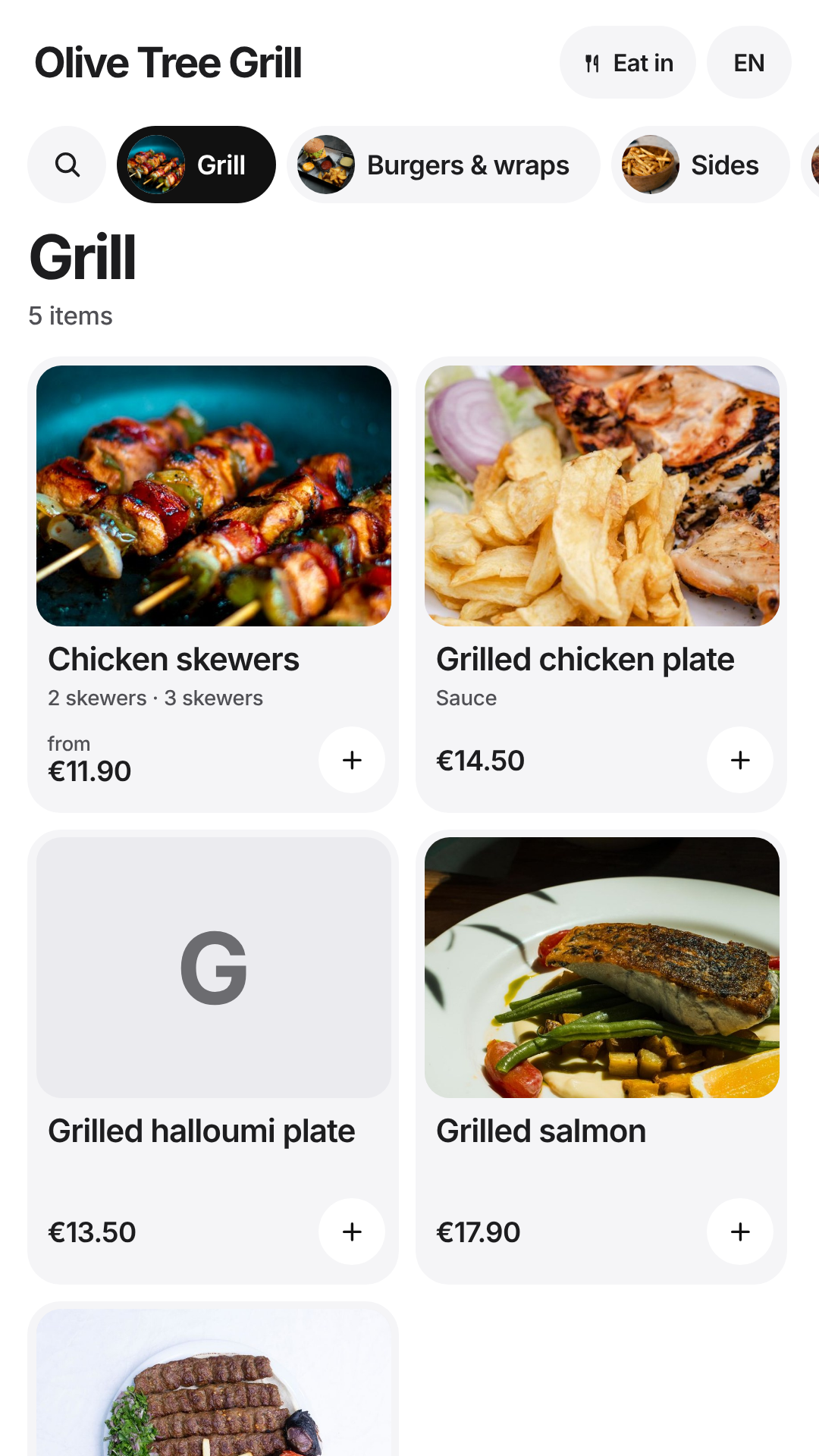
On the kiosk, tap Eat in or Take away, pick a dish and tap Pay, then Place order.
-
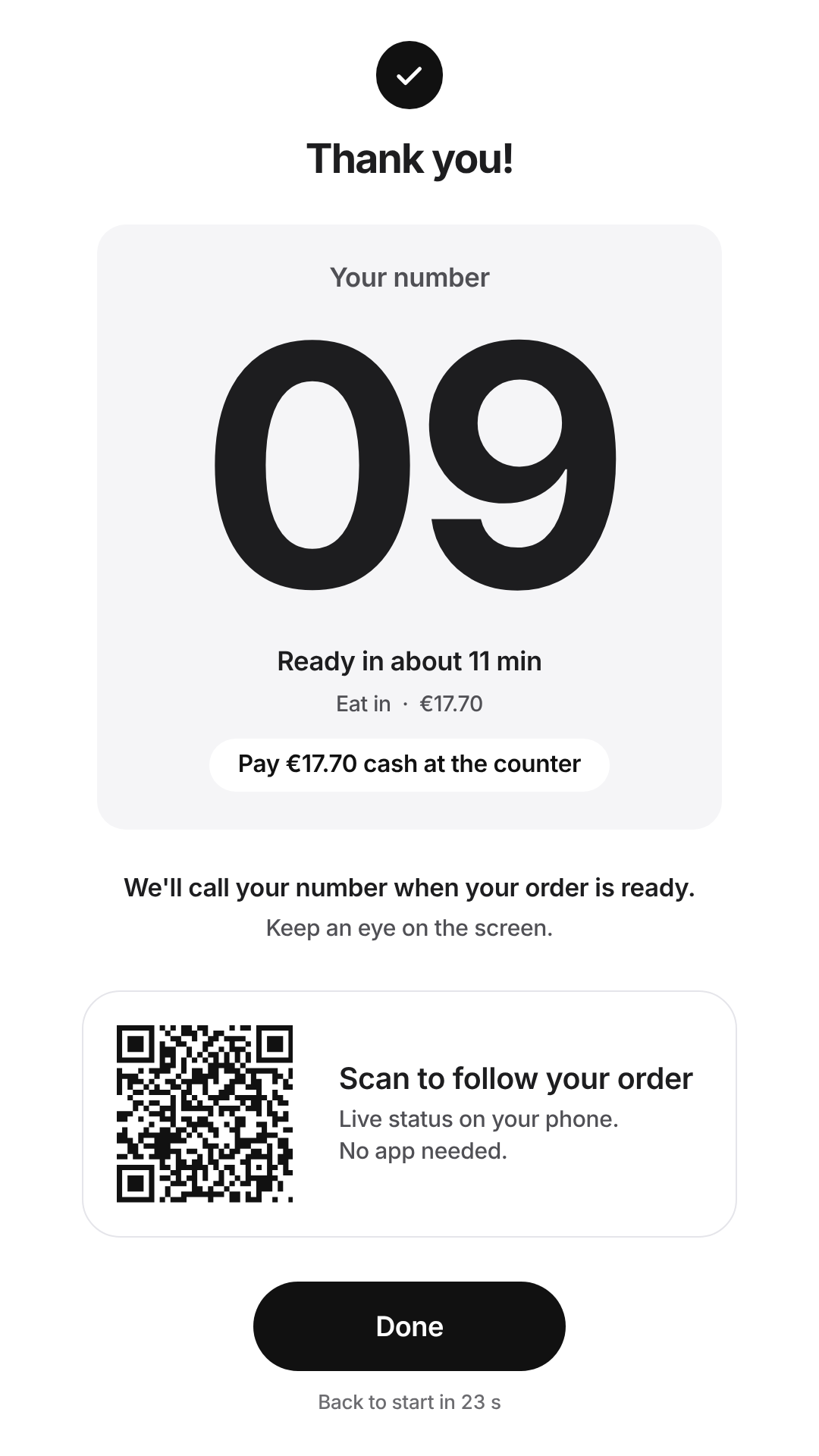
The kiosk shows the order number. Write it down.
-
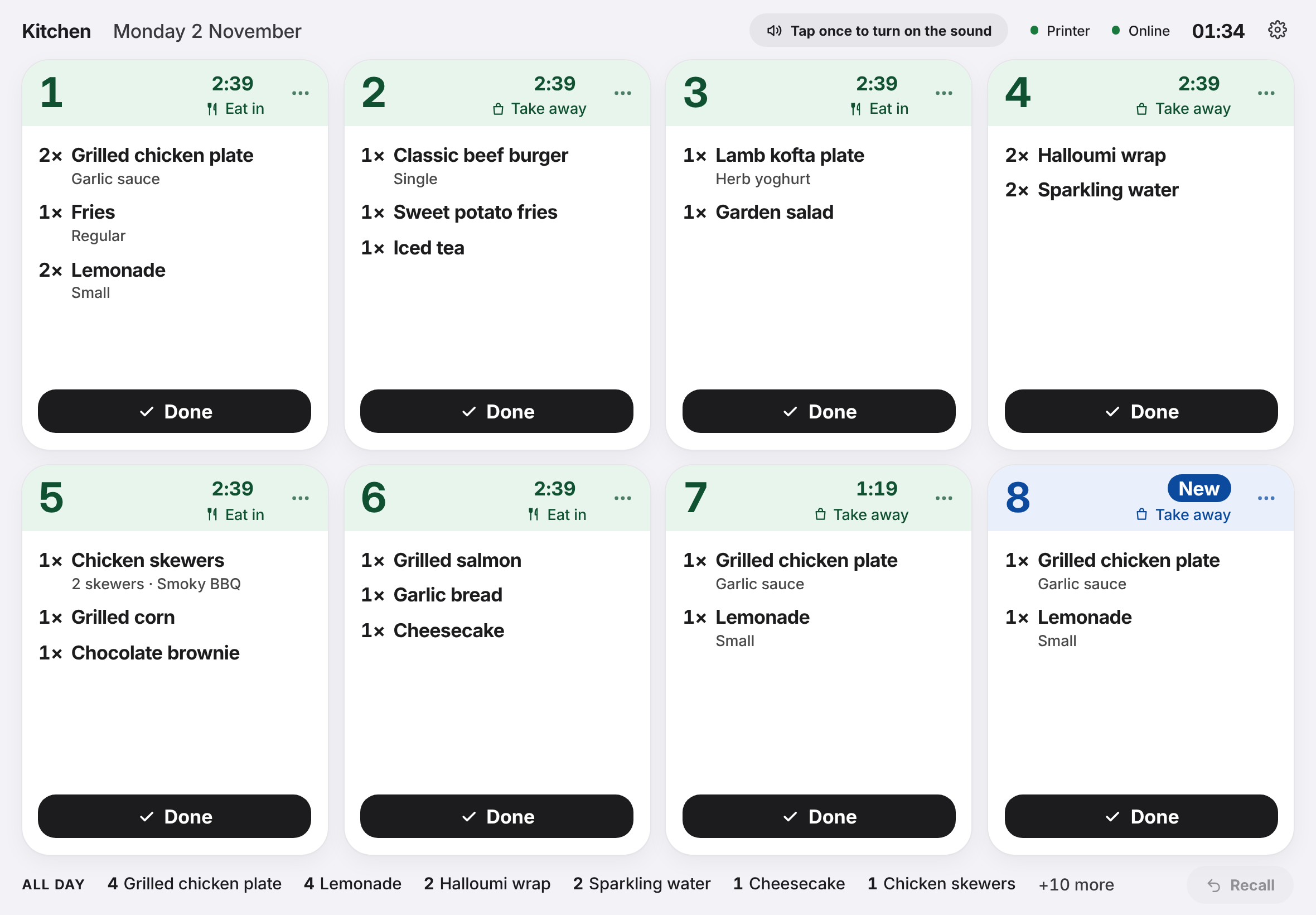
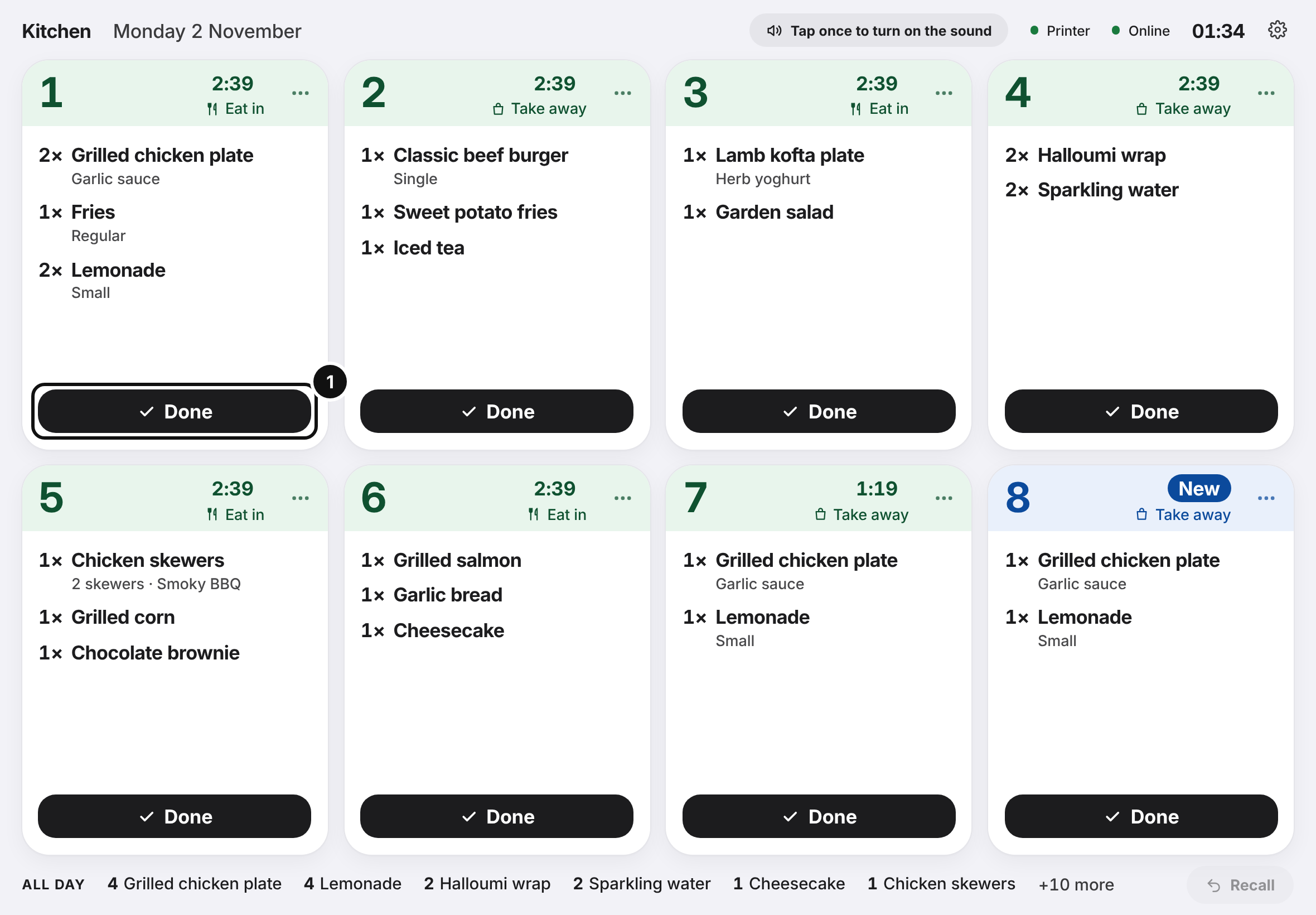
The order appears on the kitchen screen. If you have a kitchen printer, a ticket prints too.
-
On the kitchen screen, tap Done on the ticket.
-
On the order status screen, the number moves to Ready.