Menu screens & music
Turn on hall music
Open Music settings and switch Hall music on. Then upload songs in Library and pair the hall tablet.
-
Open Music settings (under Hall music) and switch Hall music on.

-
Set how songs play: crossfade, fades and the start volume.
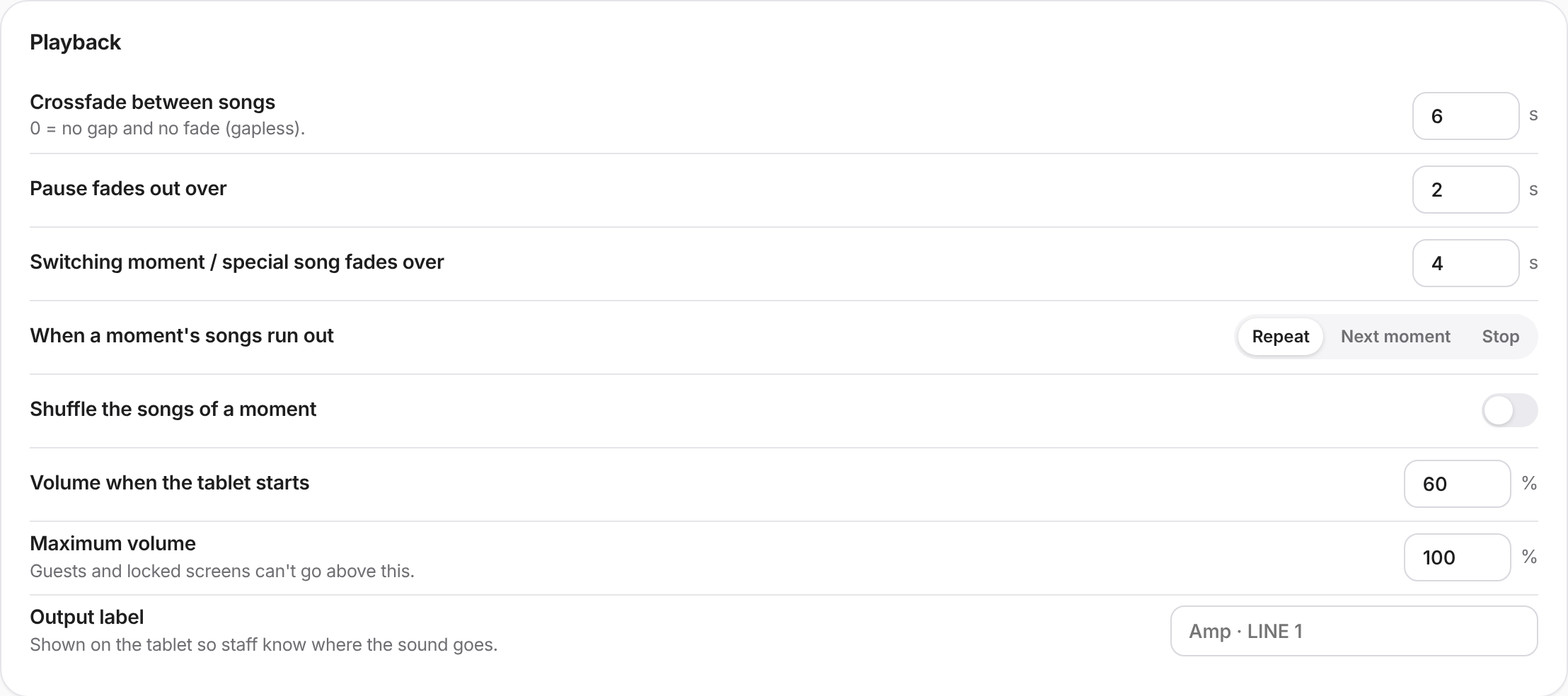
Every setting
| Setting | Starts as |
|---|---|
| Hall music | Off |
| When nothing is booked: play the default moments | On |
| Crossfade between songs | 6 s (0 = gapless) |
| Pause fades out over | 2 s |
| Switching moment fades over | 4 s |
| Shuffle the songs of a moment | Off |
| Volume when the tablet starts | 60% |
| Maximum volume | 100% |